
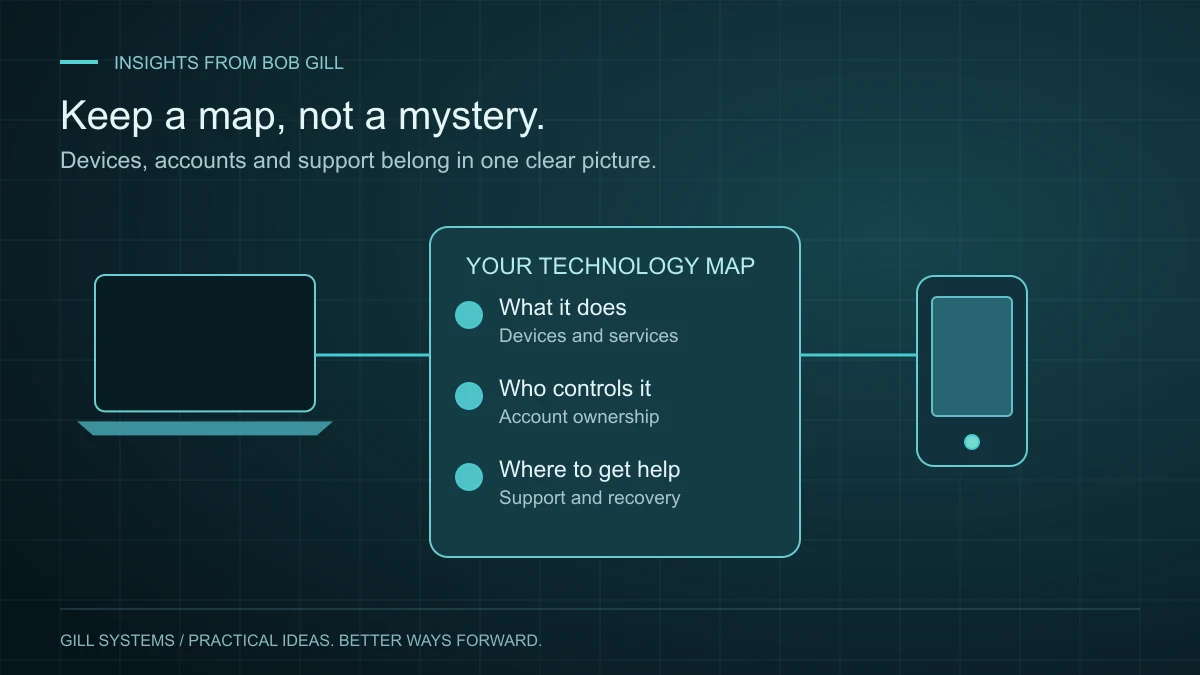
The cameras use one app. The thermostat uses another. The Wi-Fi was set up years ago, and nobody is quite sure which email address controls it. Nothing has to be broken for a technology setup to feel difficult to manage.
I would start by making the setup understandable. A small, current inventory is often more useful than a drawer full of manuals or another application to maintain.
Start with the things you rely on
List the essentials: internet service, network equipment, computers, phones, printers and connected-home devices. For each, record its purpose, location, model if known and the service or app used to manage it.
Keep this proportionate. You probably do not need a record of every cable. You do need to know which box provides the internet and who to contact when that service fails.
Know who controls the account
For each important service, identify the account owner and the email address associated with it. Check that recovery details are current. Where a service supports delegated access, use that instead of casually sharing a primary password.
CISA’s account-security guidance recommends strong passwords, a password manager and multifactor authentication. Keep the inventory and passwords separate: an ordinary household reference sheet should not become a list of working credentials.
When someone helps with setup, agree on the handoff. You should know how to reach the administrator account, where recovery information is stored and how outside access can be removed when it is no longer needed.
Connect the equipment to a real routine
Ask what you want to do more easily. Join calls from the office? Find photos on your phone? Manage a renovation? A tidy inventory is a starting point; the useful improvement is in the routine.
For an ongoing project, a shared folder, a straightforward checklist or a focused dashboard may help. Custom software can make sense when an important recurring need is poorly served by simpler options. It should earn its place in the setup.
Leave a short handoff note
After an installation or change, capture four things: what changed, where to manage it, how to perform the everyday task and who to contact if it stops working. Record renewal dates for services you intend to keep, and review subscriptions you no longer recognize before canceling anything.
Store the note where the right people can find it, with access appropriate to the information. Review it when a device is replaced or an account changes hands.
A good technology setup gives you more control. You should be able to use it comfortably—and understand enough of the whole picture to get useful help when you need it.
Continue reading
Concierge IT 3 minute read
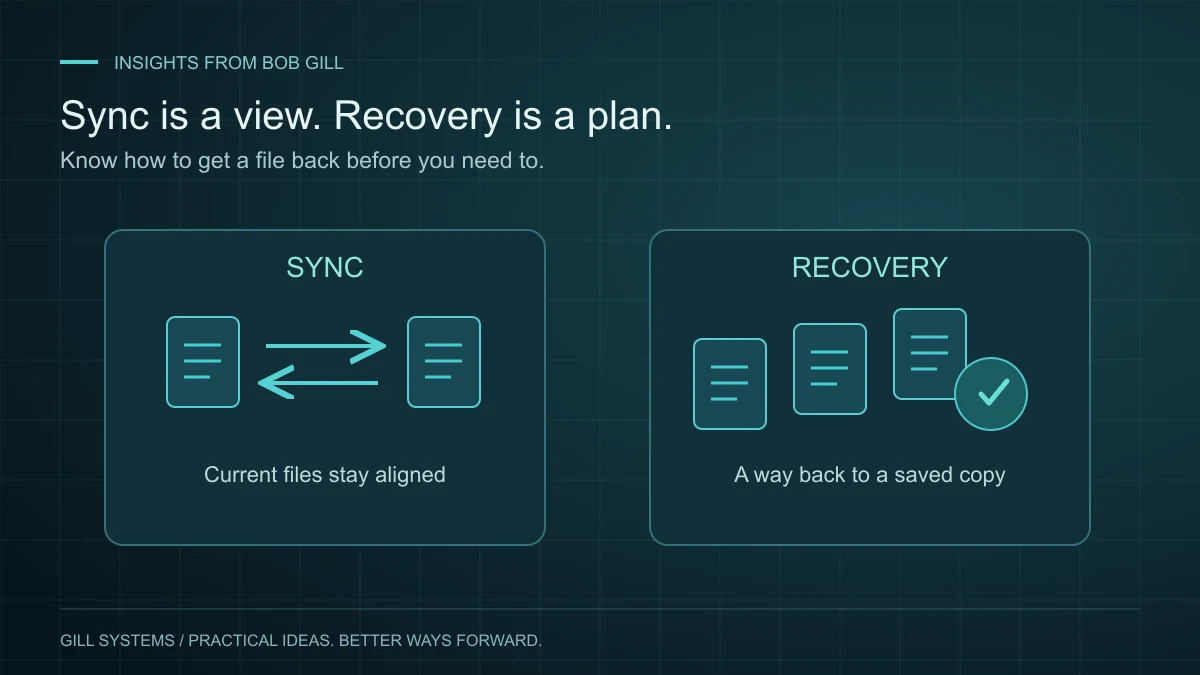
Your files sync. But can you get them back?
Seeing a file on two devices is convenient. Knowing how to recover it is a different kind of confidence.
Read the article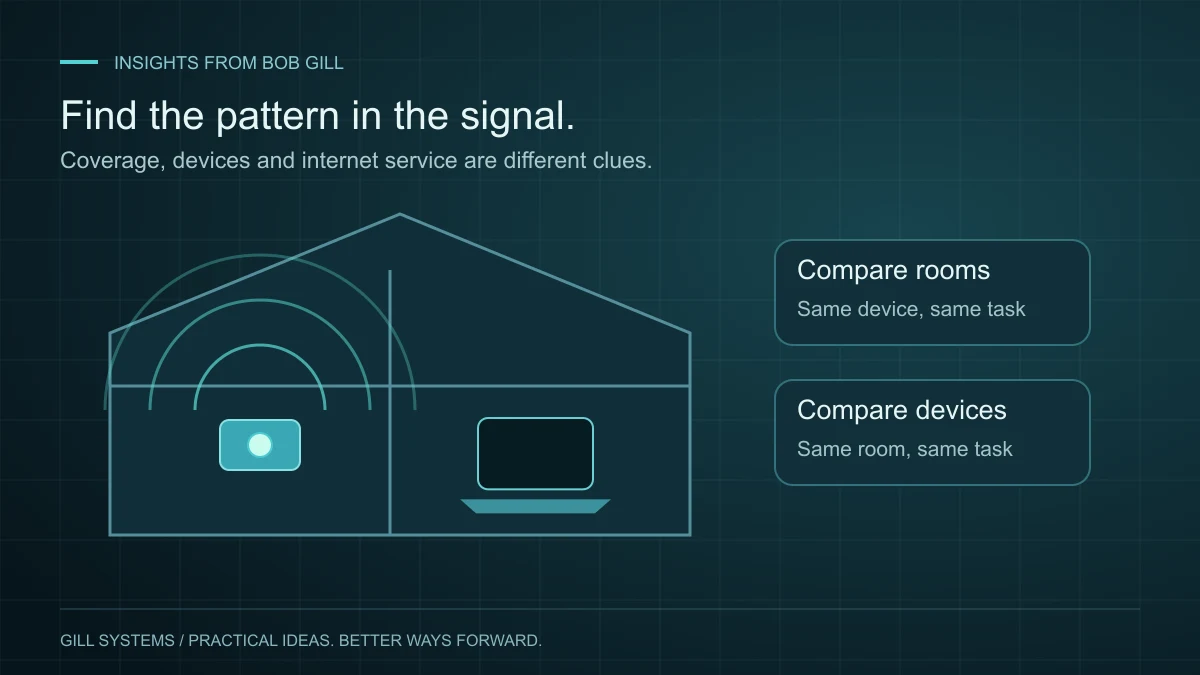
Concierge IT 3 minute read
Slow home Wi-Fi? Start with the room, not the router.
A dropped video call is a symptom. A few careful comparisons can help you find the cause.
Read the article