
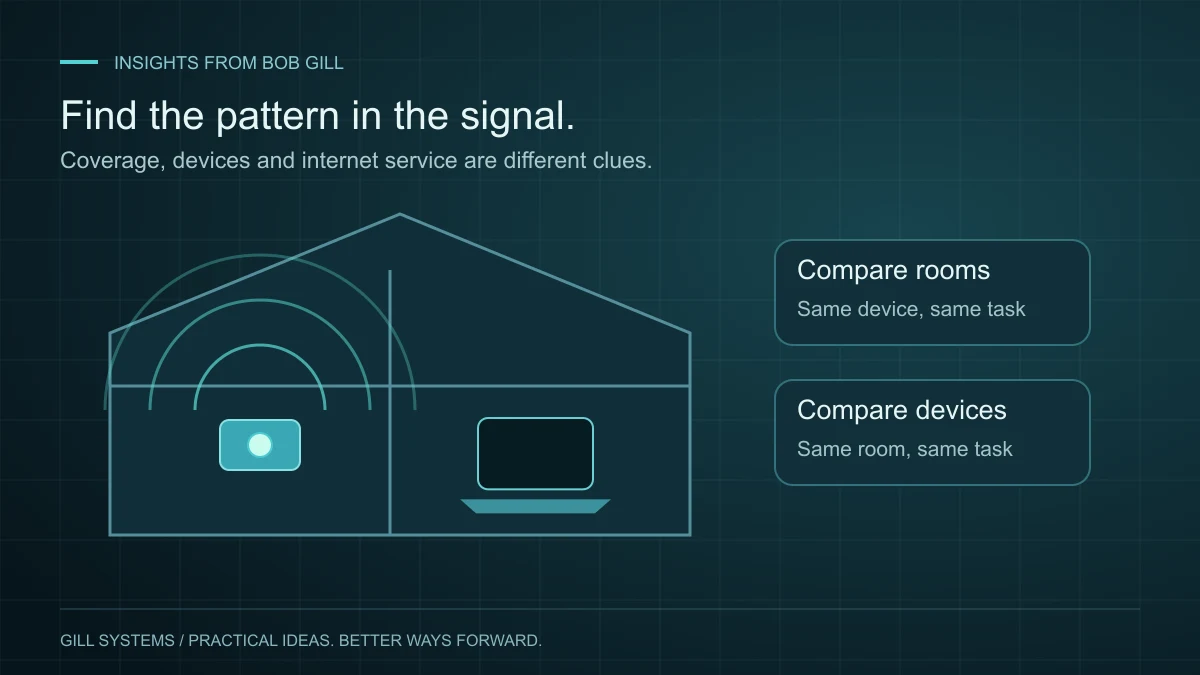
The internet works in the kitchen, but a call keeps freezing in the office. It is tempting to buy a faster plan or a newer router. First, I would want to know whether the problem follows the room, the device or the connection itself.
Those are different problems. A useful home Wi-Fi troubleshooting process narrows the possibilities before adding equipment.
Make a small comparison
Try the same activity on the same device near the router and in the problem room. Then try another device in that room. Keep the circumstances similar: a large download running during one test can make the comparison misleading.
- Several devices struggle in one room: coverage or interference is worth investigating.
- One device struggles everywhere: check that device, its software and its connection.
- Several devices struggle throughout the home: look at the internet connection and network as a whole.
These observations are clues, not a diagnosis. Write down when the problem occurs and what you were doing. A repeatable pattern is more useful than one impressive speed-test number.
Give the signal a workable path
A router tucked behind furniture or inside a cabinet may be convenient to hide, but placement matters. Walls and building materials can affect wireless performance. Mesh points also need a useful connection back through the network; placing a point in a dead zone does not automatically fix that zone.
Google’s Wi-Fi performance guidance explains placement, obstacles and mesh testing for its equipment. Use the corresponding instructions for your own system.
Separate Wi-Fi from internet service
If you have a device with an Ethernet connection, comparing a wired connection through the router with Wi-Fi can help narrow the issue. A healthy wired result alongside poor wireless performance points toward a different investigation than poor results on both. Do not disconnect essential equipment or reset the entire network just to run a test.
For a home office, also consider reliability under normal use. The goal is a dependable call from your desk while the rest of the household is online—not simply the highest number beside the router.
Test the fix where the frustration happened
After a change, return to the original room and repeat the original task. Keep a short note of what changed so troubleshooting does not become a series of guesses.
This is part of looking at your technology as a whole. The right improvement might involve placement, configuration, a device or service from your provider. Understanding the pattern helps you choose.
Continue reading

Concierge IT 3 minute read
Personal IT support starts with the whole picture.
Your computer, phone, Wi-Fi and accounts are connected. Support should consider how you use them together.
Read the article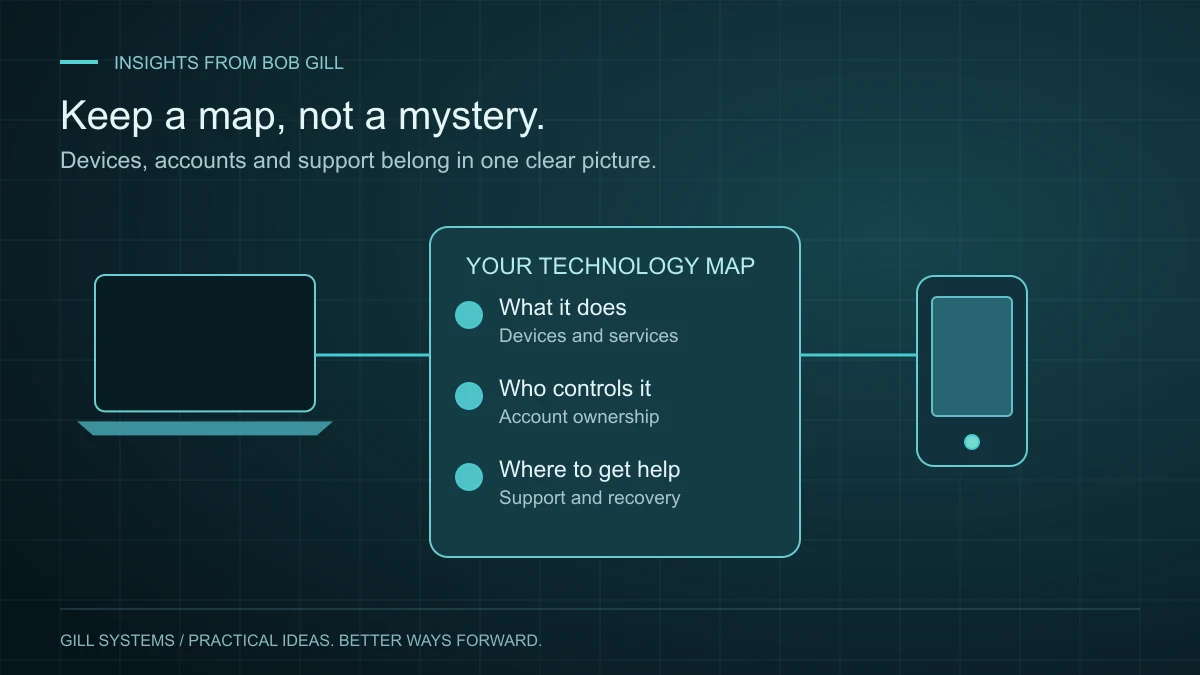
Concierge IT 3 minute read
A home technology setup you can actually keep track of.
The person who installed it should not be the only person who knows how it works.
Read the article