
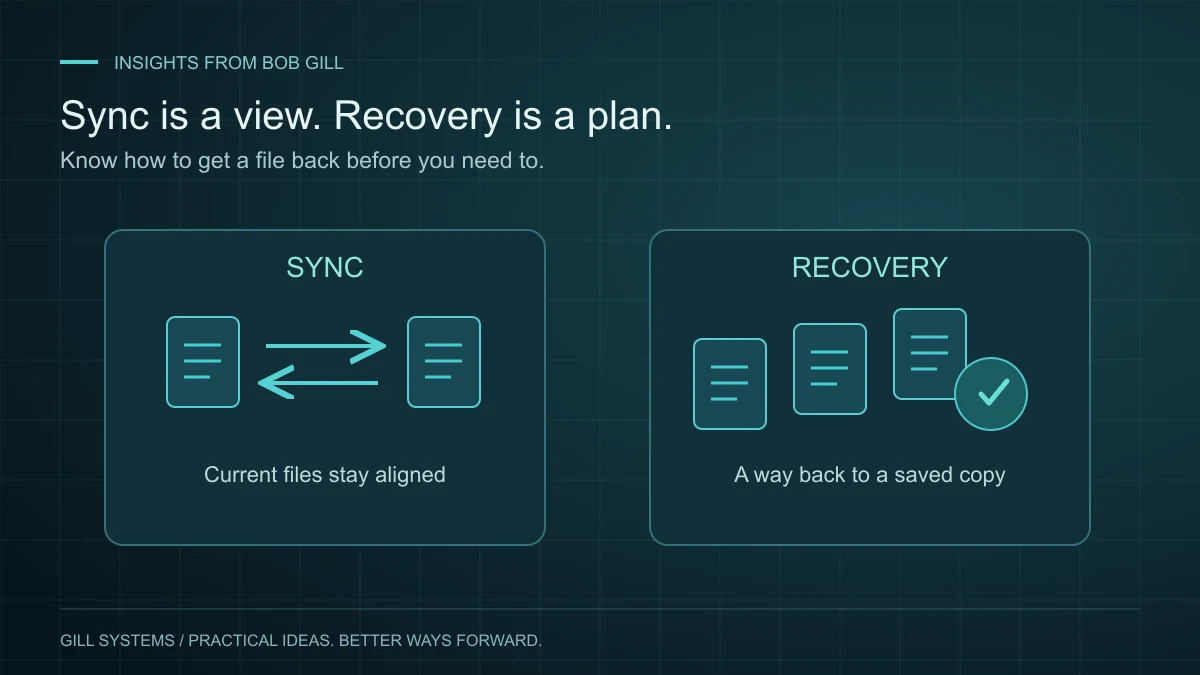
A document appears on your computer and your phone. That feels reassuring, and synchronization is useful. But those two views may represent the same changing collection of files. A mistaken deletion can travel between them too.
When I think about a dependable setup, I want to know what happens after a mistake, a damaged device or lost account access. That is where the difference between cloud sync and backup becomes practical.
Understand what each service is doing
Sync keeps a set of files aligned across locations. A backup preserves information for recovery. Some services combine synchronization with version history and deleted-file recovery, so the distinction is not as simple as “cloud equals unsafe.” The useful question is what your actual service can restore, under which conditions.
For example, Microsoft explains that deleting a file from OneDrive can also remove it from synced devices. Recovery may be possible through its recycle bin or other features, but those features have limits. Check the rules for your account rather than assuming everything is kept forever.
Make a short list of what matters
Start with the files you would have the hardest time replacing: family photos, active projects, important correspondence and business records. Identify where the originals live and what currently protects them.
Do not assume every folder is included because one folder is syncing. Files stored elsewhere, on an external drive or inside a particular application may need a different approach. Also distinguish a file stored locally from a shortcut that depends on access to an online account.
Try a recovery exercise safely
Create a disposable test document containing no private information. Save it in a location you expect to be protected, allow the service to complete its work, then follow its documented recovery steps using only that test file.
- Can you locate a recoverable version?
- Can you restore a copy without overwriting something important?
- Can you open it and confirm its contents?
- Do you know which account or recovery method you would need if your main device were unavailable?
A test can reveal a gap before a real loss does. Avoid experimenting with your only copy of an important file.
Keep recovery understandable
Record where protection is configured, who checks it and how to request help. Keep sensitive credentials in an appropriate password manager, not in a shared instruction sheet. Review the setup when devices or accounts change.
The goal is not an elaborate system you never look at. It is a clear answer to a simple question: if this file disappeared tomorrow, what would I do next?
Continue reading
Concierge IT 3 minute read
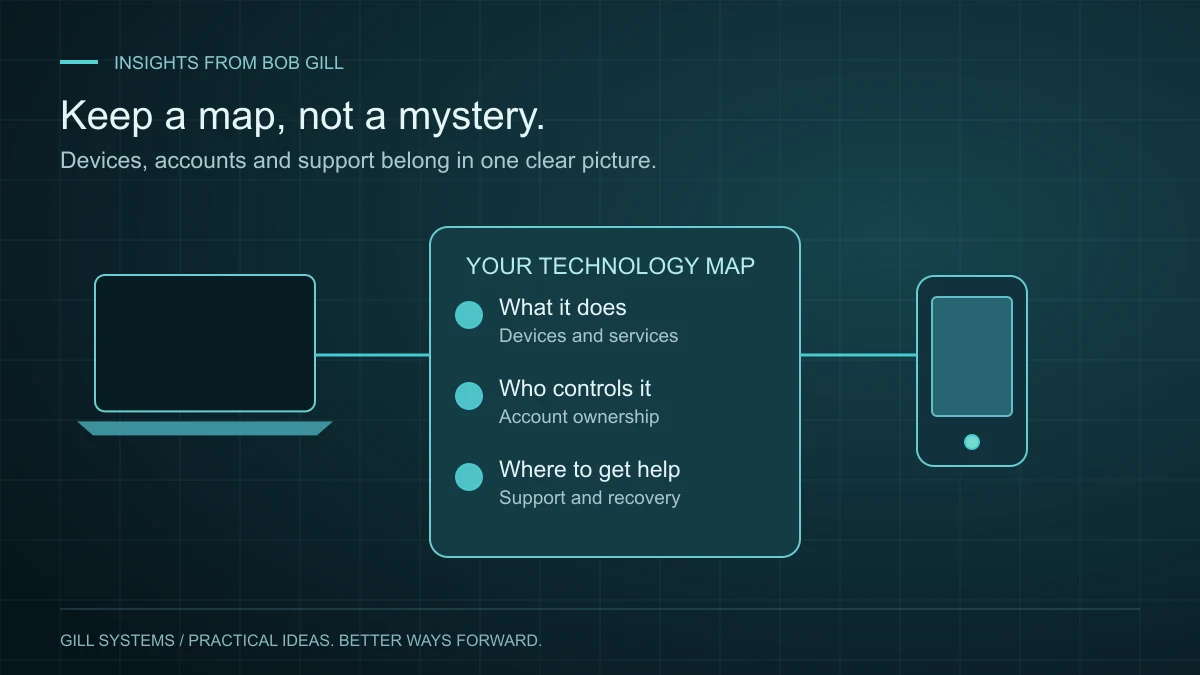
A home technology setup you can actually keep track of.
The person who installed it should not be the only person who knows how it works.
Read the article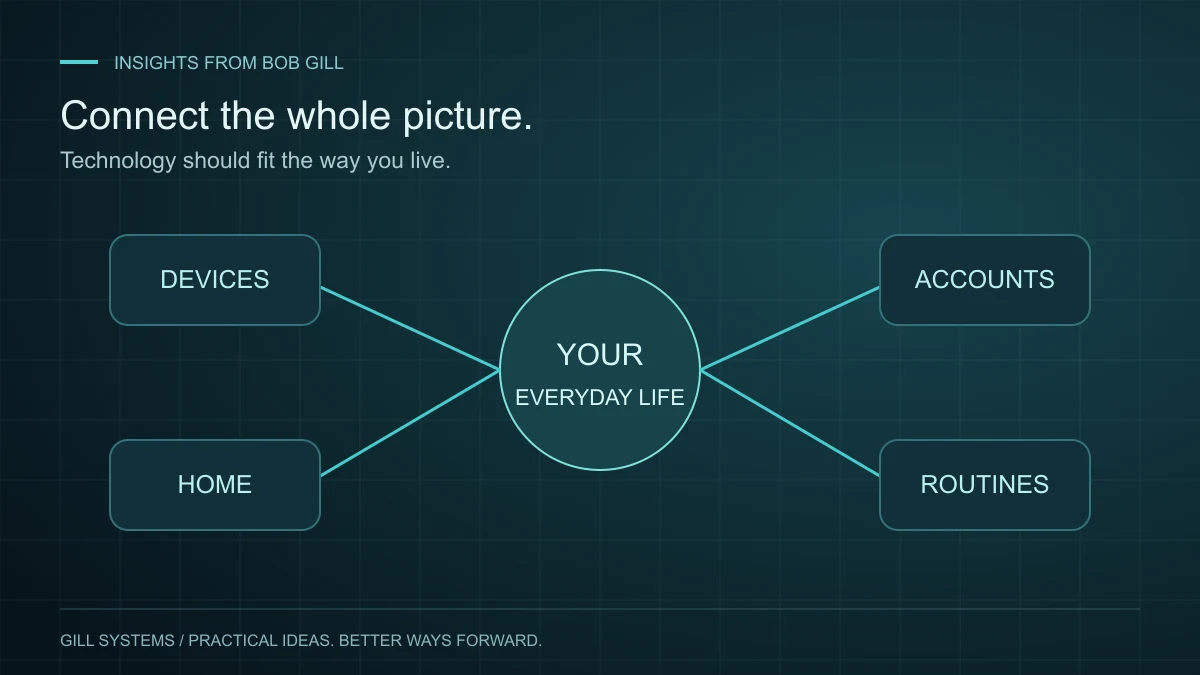
Concierge IT 3 minute read
Personal IT support starts with the whole picture.
Your computer, phone, Wi-Fi and accounts are connected. Support should consider how you use them together.
Read the article