
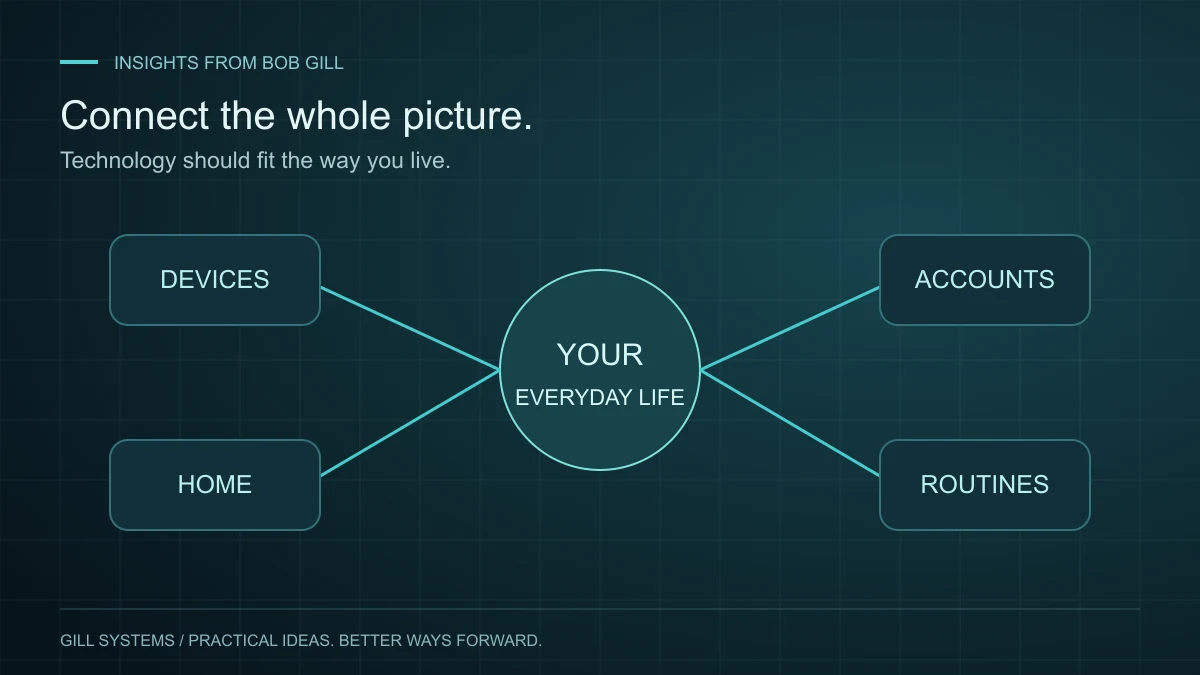
You sit down to join a video call and the connection drops. A document is on the wrong device. A camera has stopped responding, and you are unsure whether the problem is the camera, an account or the network.
Each frustration has an immediate symptom. A lasting improvement starts by understanding the surrounding setup and what you need it to do. That is the idea behind Concierge IT: a personal point of contact who gets to know your technology and carries the problem through to a working solution.
Describe the interruption before choosing the equipment
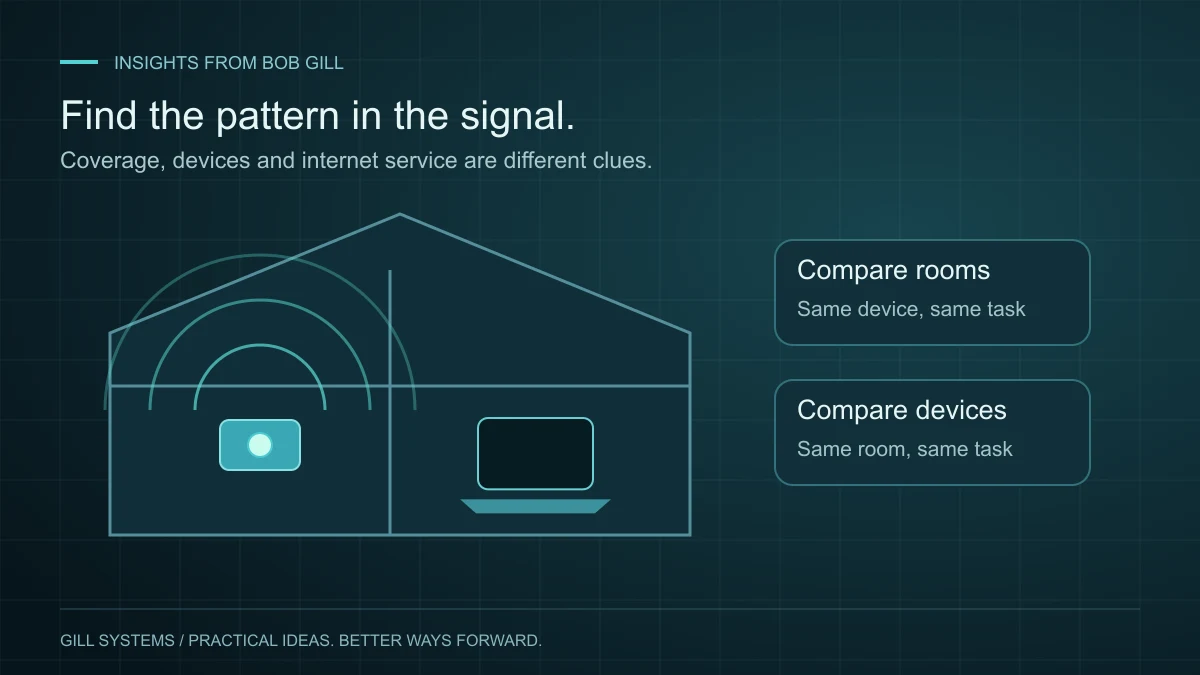
“I need a new router” may turn out to be right. But “my connection fails in the office during calls” gives us a better place to begin. When does it happen? Is it one device or several? Does it work elsewhere in the house?
Placement is one factor worth checking. Google’s guidance for its Wi-Fi systems emphasizes device positioning and keeping mesh points within useful reach of one another. That is a useful reminder to understand coverage before assuming a faster internet plan or another box will solve the problem. Follow the guidance for the equipment you actually use. Google’s Wi-Fi placement guidance explains the considerations for its systems.
Make the everyday essentials easier
A good setup should fit how you live. That might mean making files easier to find across devices, simplifying a home office, or helping several connected-home products work together in a way you understand.
It can also mean replacing a repetitive task with a simple automated routine or a custom tool. Personal technology support is not limited to fixing hardware. Sometimes the most valuable improvement is a clearer way to organize information or manage an ongoing project.
Include the basics of account security
Unique passwords, a password manager, multifactor authentication where available and timely software updates are sensible foundations. These practices are also recommended in CISA’s Secure Our World guidance. They should be set up in a way you understand, with account recovery details kept current.
You should retain control of your accounts and know how to regain access. Getting help should leave you better informed about your setup.
Know what “handled” looks like
Before a project is finished, try the result in the situation that mattered: join the call from your office, open the file on the other device or use the new routine yourself. There should be a clear explanation of what changed and what to do next if you need help.
My approach is personal attention, sound judgment and follow-through. The aim is technology you can comfortably use, with someone who understands the whole picture when the next question comes up.
Continue reading
Concierge IT 3 minute read
Slow home Wi-Fi? Start with the room, not the router.
A dropped video call is a symptom. A few careful comparisons can help you find the cause.
Read the article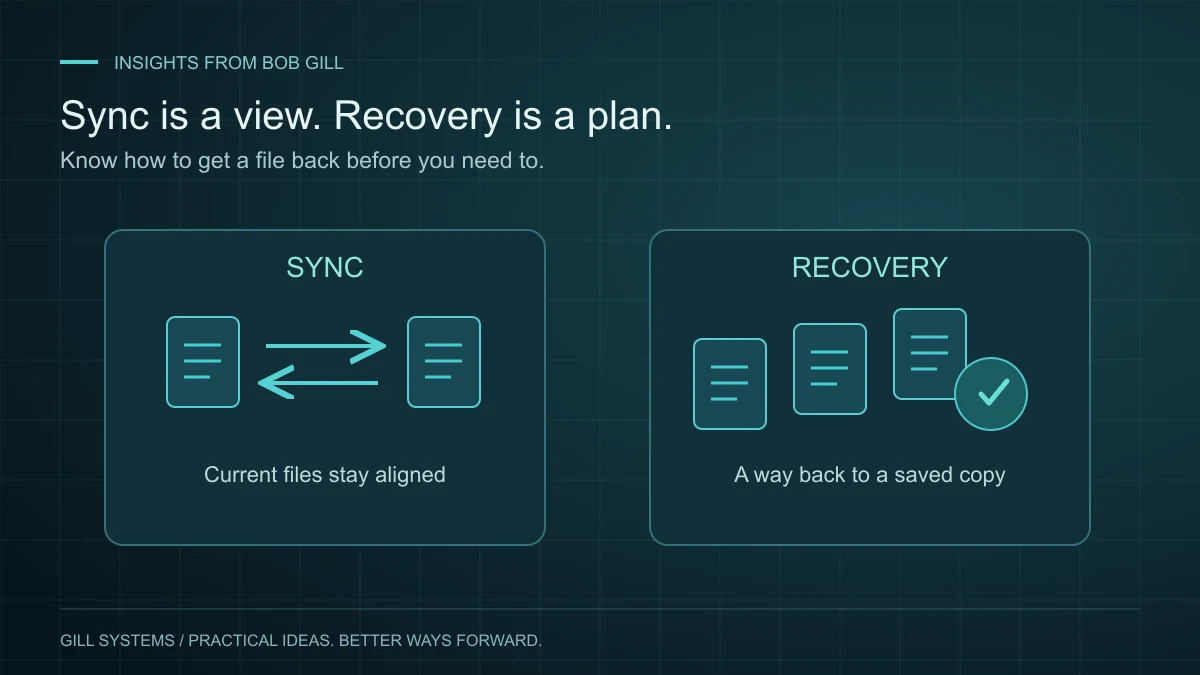
Concierge IT 3 minute read
Your files sync. But can you get them back?
Seeing a file on two devices is convenient. Knowing how to recover it is a different kind of confidence.
Read the article